⬛
Edge Zones
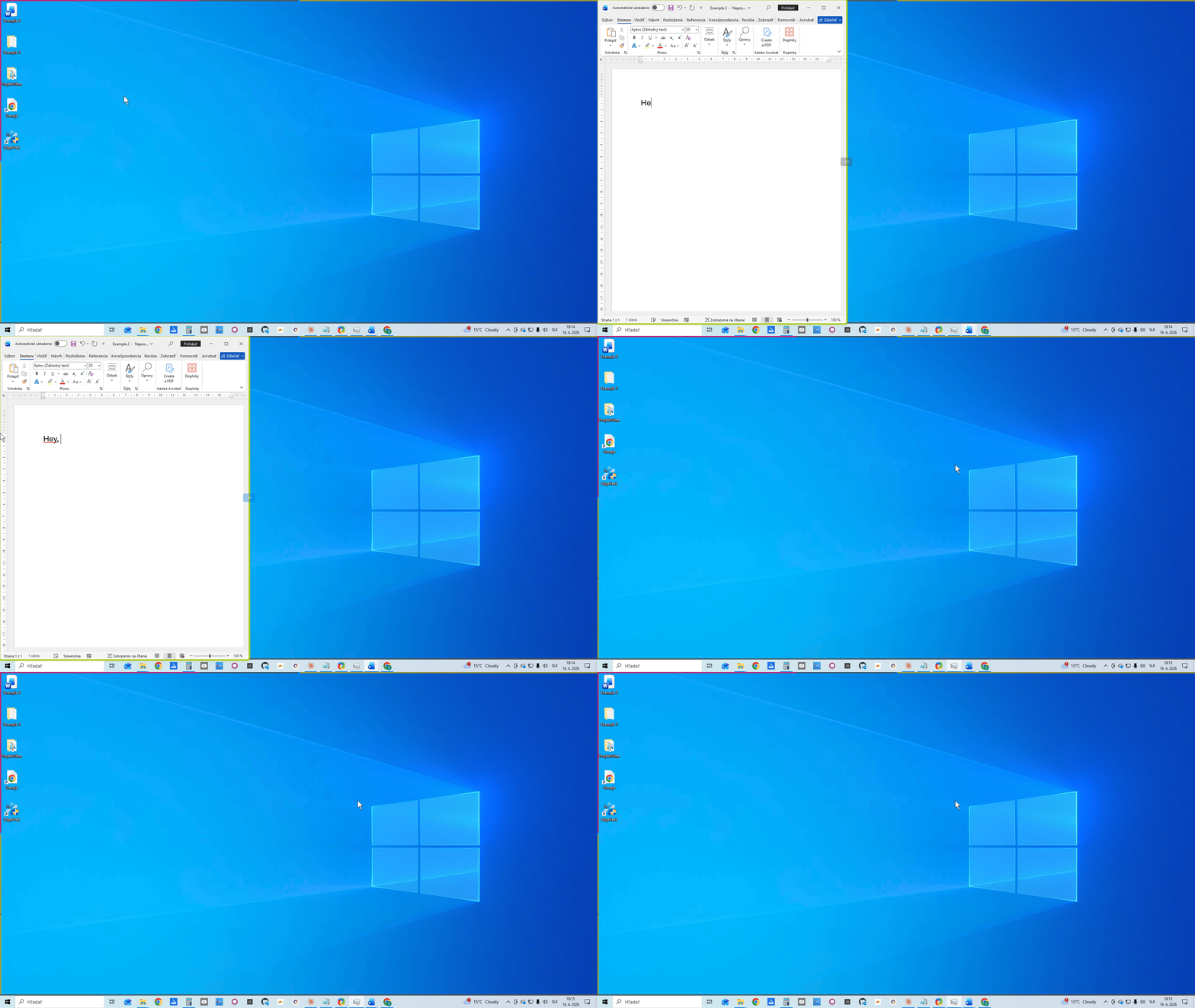
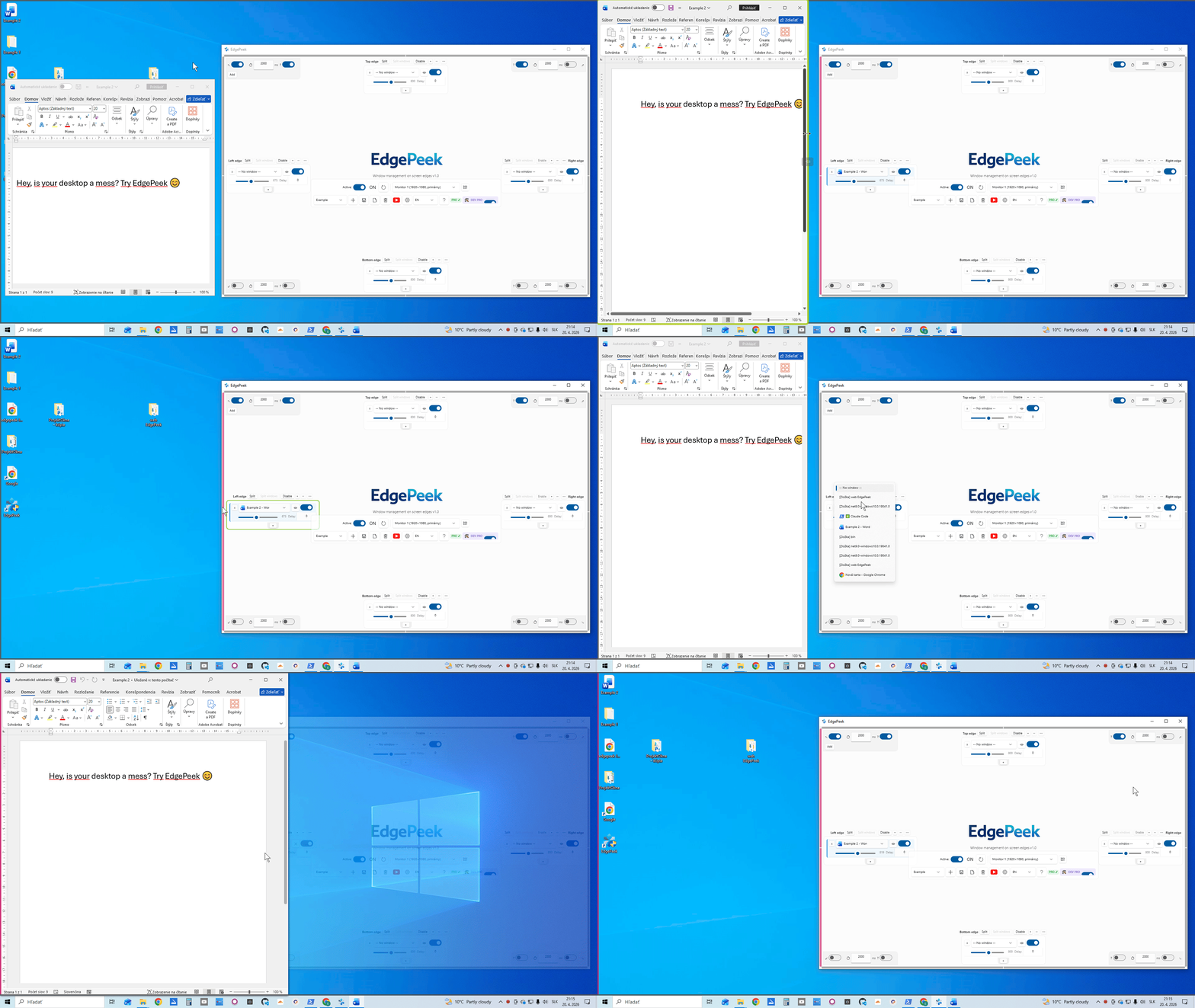
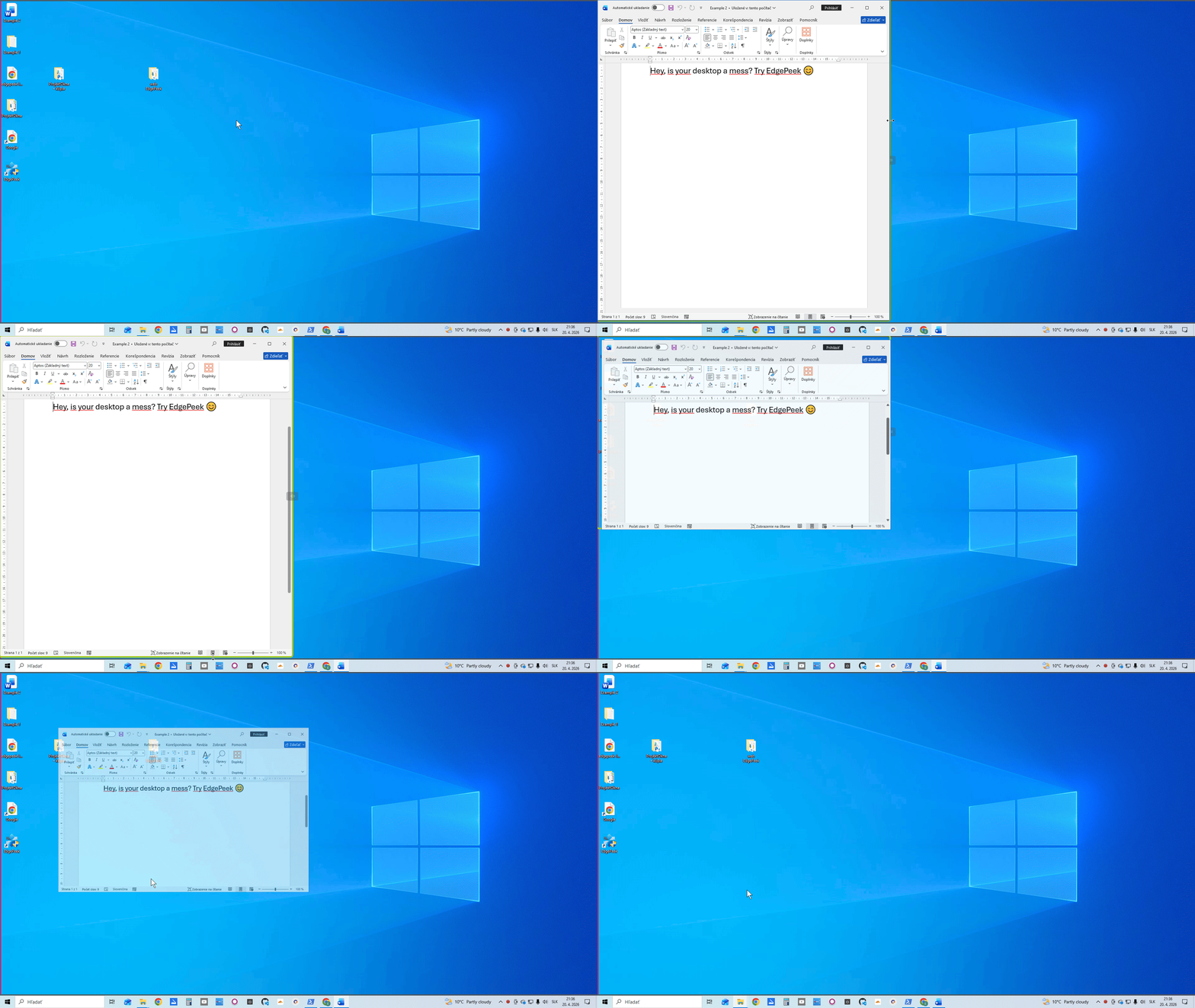
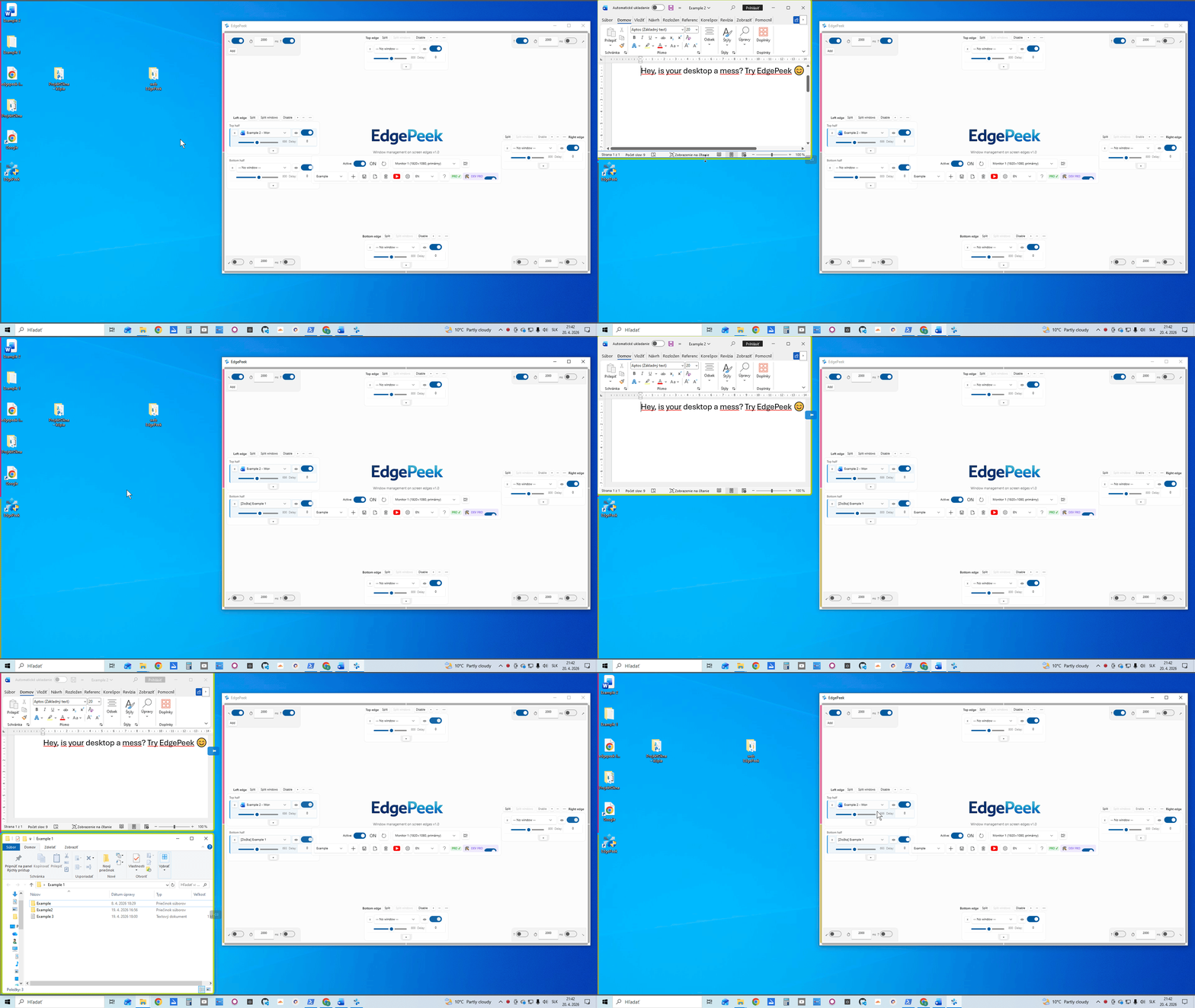
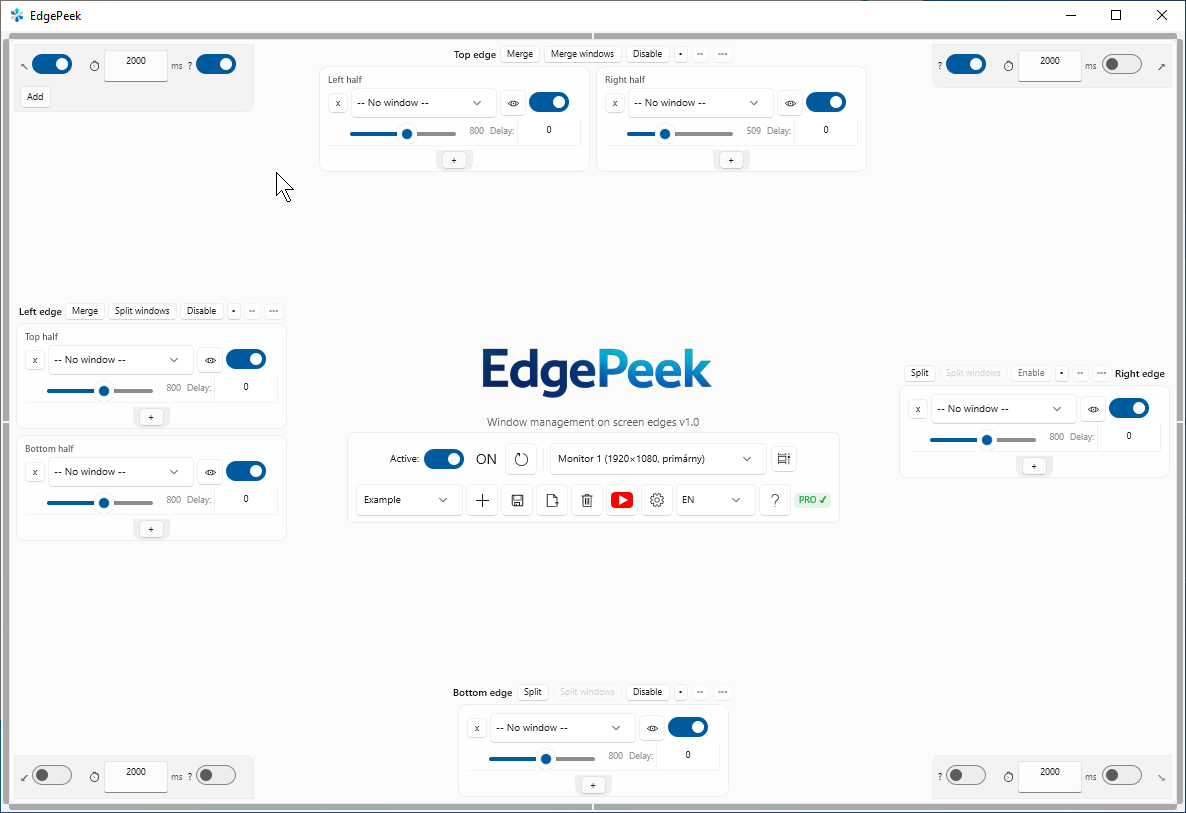
Assign apps to Top, Bottom, Left, or Right edges. Each edge holds up to 3 windows, independently configurable.
🖱️
Window Switching
Cycle through several windows on the same edge with a middle-click or the scroll wheel — no taskbar needed.
🔲
Split Mode
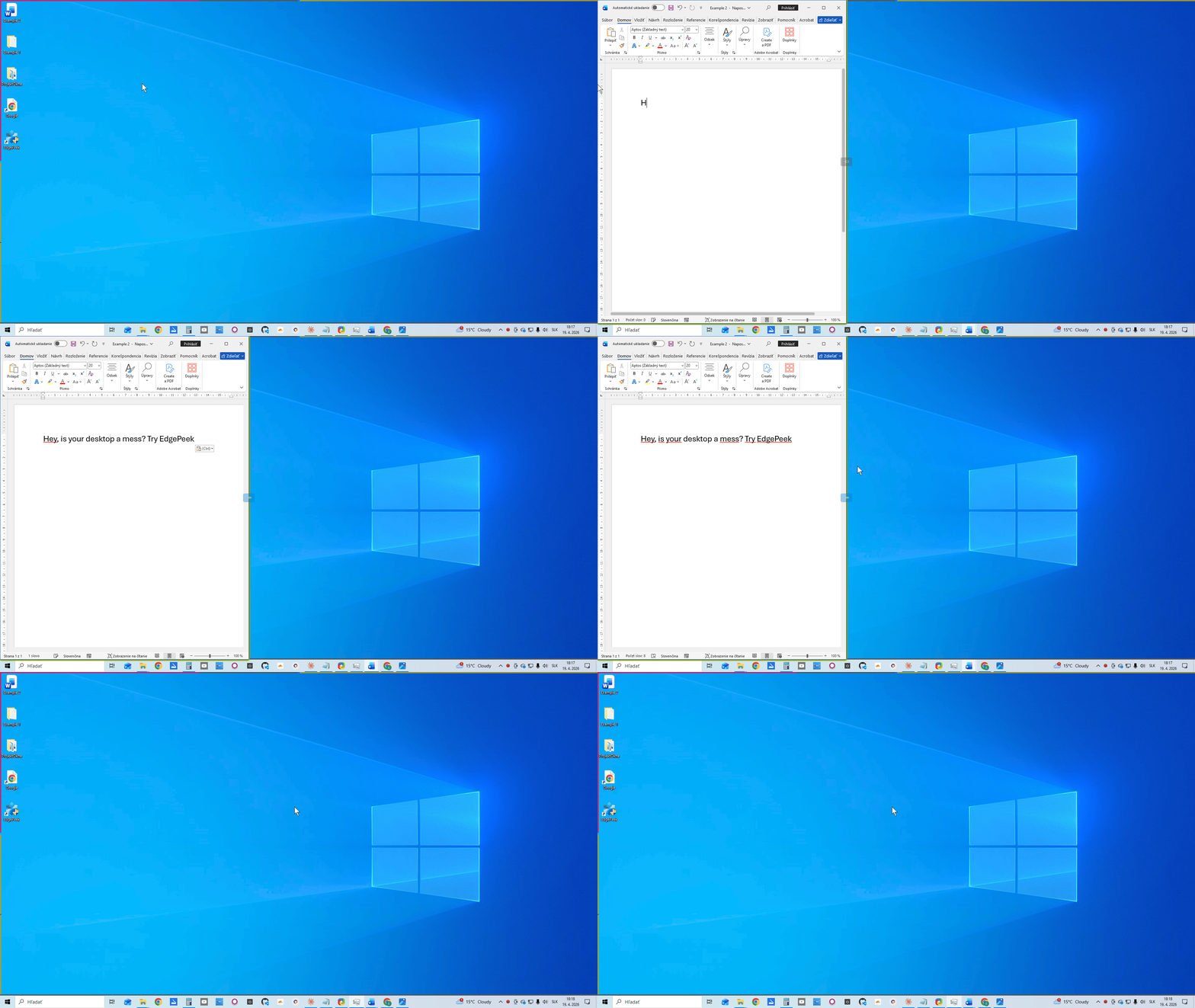
Split any edge into two halves — each with its own window group. Double the real estate, same gesture.
📌
Pin, Resize & Frame
Pin a slid window open, resize it by dragging the edge, or frame it with a colored border — total control.
🔵
Hot Corners
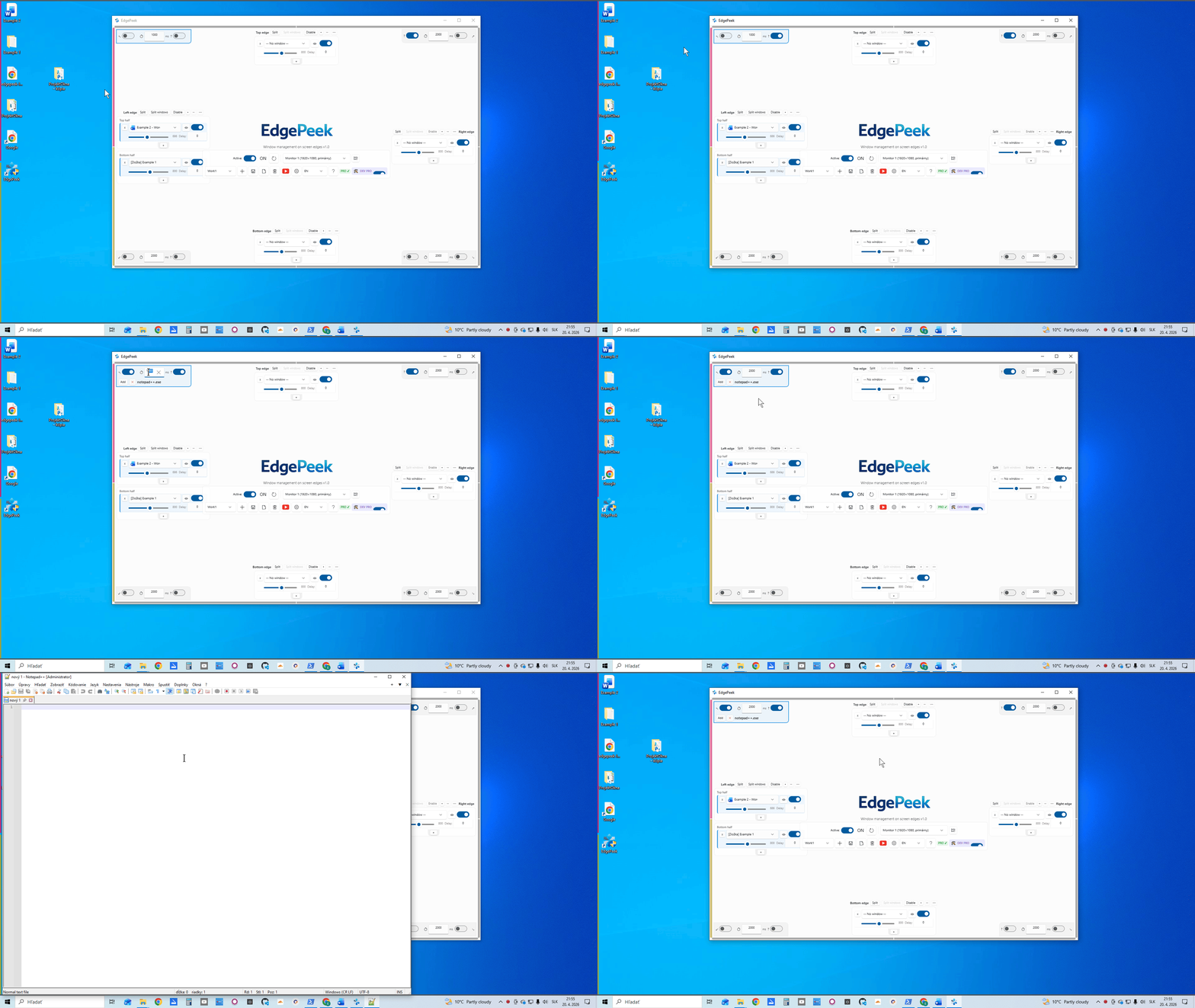
Hold the cursor in any corner to launch an app — or peek a live thumbnail panel of every window on that monitor.
📚
Shelf Launcher NEW
Double-click a corner to slide out a shelf of your desktop icons and custom shortcuts — files, folders, apps, one click.
☰
Radial Menu
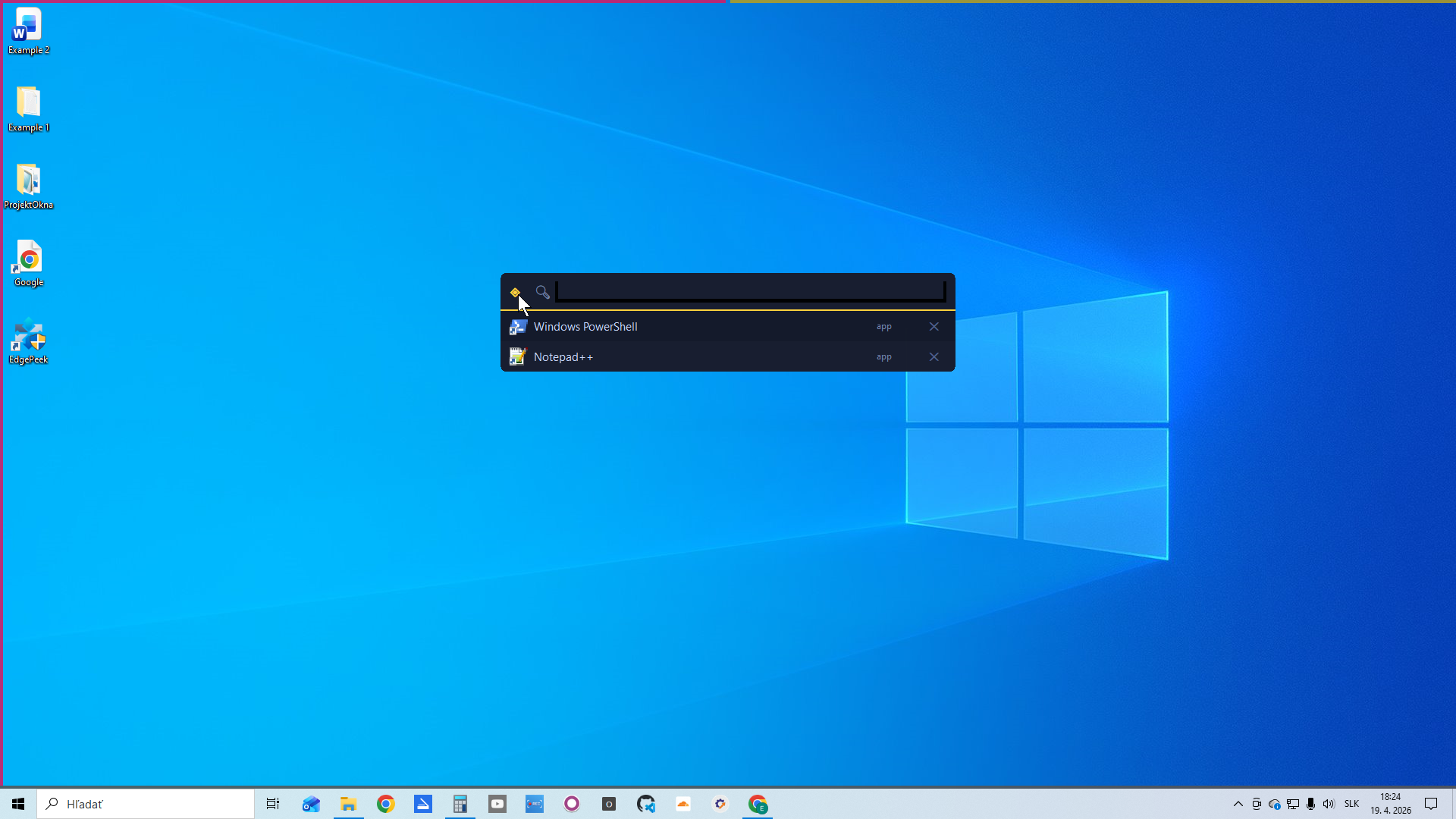
Middle-click anywhere for an instant circular window switcher. Settings, search, and pause — all one click away.
🔍
Quick Search
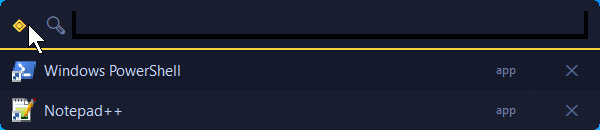
Fuzzy-search every open window, running app, and System32 tool. Type to launch — keyboard-first workflow.
🕹️
Quick Menu & RAM NEW
Hold a key for an 8-direction menu: focus a window, hide all, or save & recall your whole layout to RAM in one gesture.
💾
Work Profiles PRO
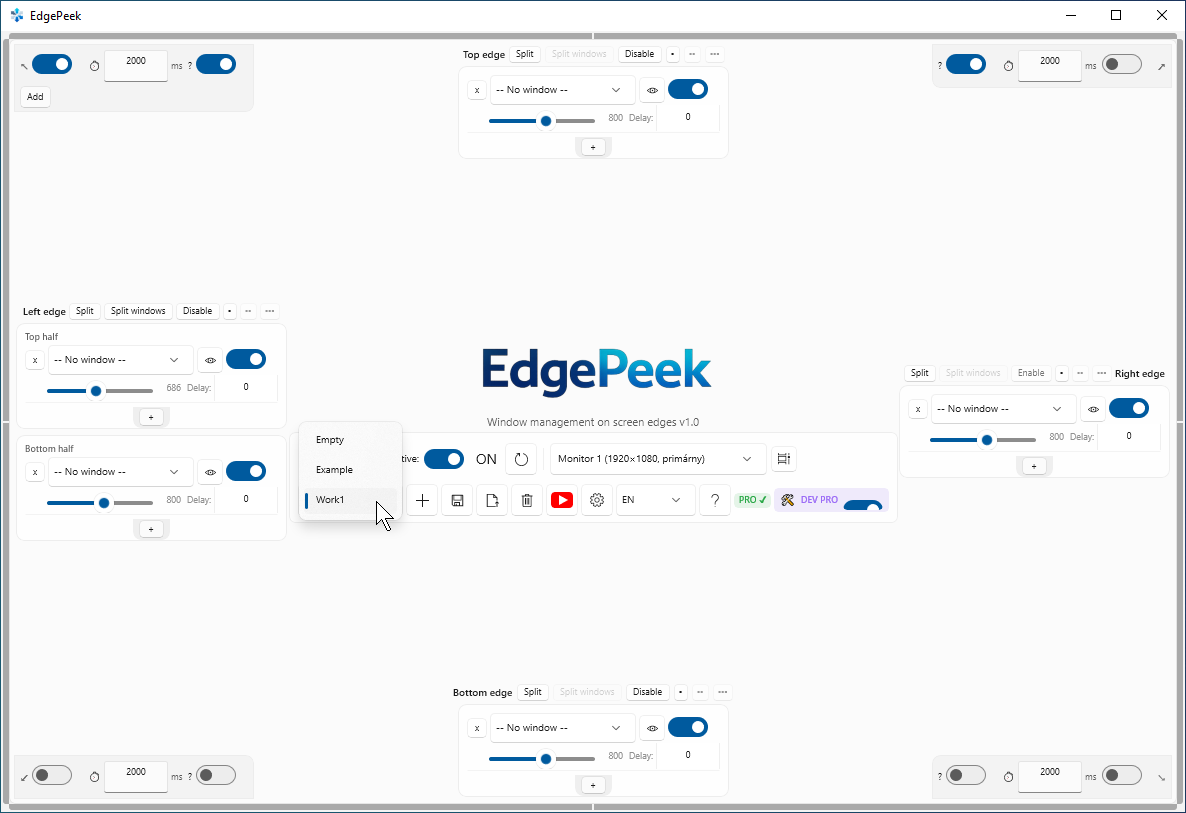
Save entire window layouts as named profiles. Switch between work, home, and presentation setups instantly.
⏸
Pause Mode
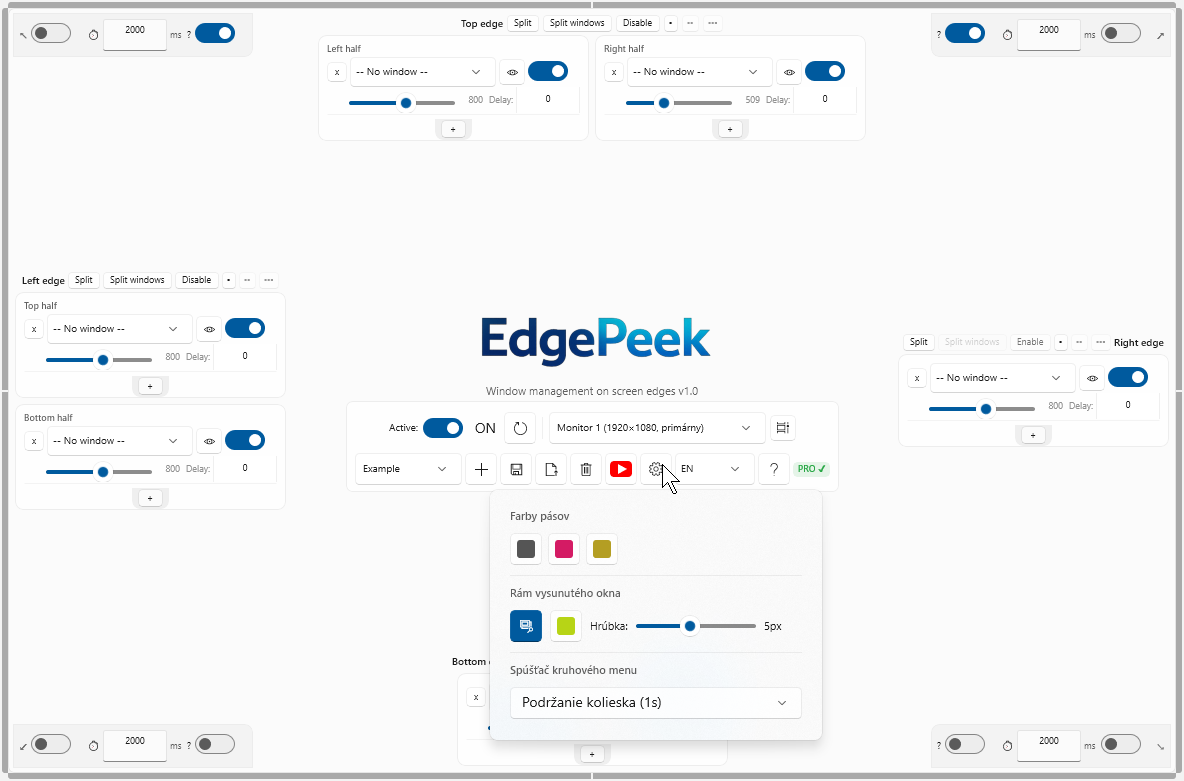
Temporarily disable all edge triggers without quitting EdgePeek. Perfect for presentations and gaming.
🖥️
Multi-Monitor PRO
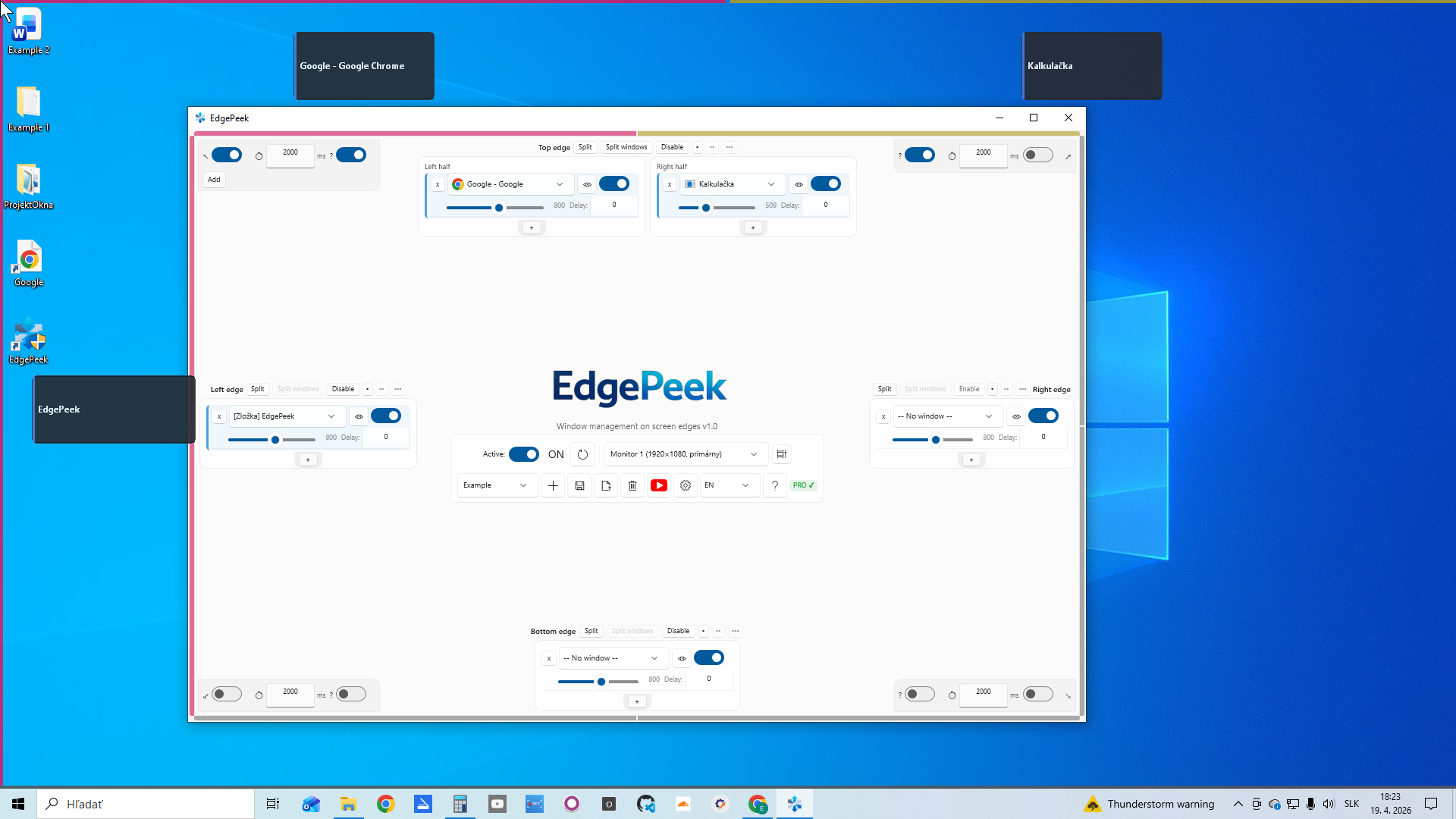
Zones on every display. Each monitor gets its own independent set of four edges and hot corners.
🔄
Auto-Update & Support
EdgePeek checks for updates on launch and reports crashes with one click — no account, no telemetry.
🧩
MixIT Mosaic soon
Show up to 6 windows at once in a draggable mosaic on one edge. Currently in development.